

Choosing a restaurant POS in 2027 is about more than a nice screen. In the United States, your POS decides who processes your cards, how you handle card fees, how tips get reported, and how fast your team can serve a full room.
Margins are tight. The National Restaurant Association expects U.S. restaurant and foodservice sales to reach $1.55 trillion in 2026, but 42% of operators said their restaurant was not profitable the year before. More than 9 in 10 operators named food, labor, insurance, energy and swipe fees as significant challenges (National Restaurant Association, February 2026).
This guide walks you through the questions to ask, the U.S. rules to know, and how Winston POS fits in. Want a quick feature checklist first? Read our 10 must-have features for a restaurant POS.
The short answer
- Pick a POS that lets you choose your own payment processor. Swipe fees are one of the biggest costs you can still negotiate.
- Make sure it supports surcharging or dual pricing the legal way for your state, and never on debit cards.
- Check that it tracks tips clearly. Since the 2025 "no tax on tips" law, employers report cash tips and the worker's occupation on the W-2.
- Use certified payment devices and a processor that keeps you PCI DSS 4.0.1-ready.
- Look for handhelds, a kitchen display, online ordering and a local dealer who sets it all up and supports you.
What should a U.S. restaurant look for in a POS in 2027?
Look for a POS that gives you freedom on payments and hardware, handles U.S. rules on fees and tips, and comes with real local support. Features matter, but the setup around them matters just as much.
Use these criteria when you compare systems:
- Payment processor freedom: can you keep or choose your own processor and rates?
- Fee setup: does it support surcharging or dual pricing in a compliant way?
- Tip tracking: are tips, tip pools and payouts clear per employee and per shift?
- Security: does it work with certified payment devices and keep card data out of your system?
- Service on the floor: handhelds, tap to pay, split checks and a kitchen display.
- Reliability: can you keep taking orders and cards when the internet drops?
- Hardware: can you use devices you already own?
- Support: who installs it, trains your team and picks up the phone on a Friday night?
Why does payment processor freedom matter so much?
Because card processing is a cost you pay on almost every check, for as long as you use the system. If your POS locks you into one processor, you lose the power to compare rates or switch.
Cards are how most Americans pay. In 2025, credit cards made up 34% of U.S. consumer payments and debit cards 31%, while cash fell to 14% (Pew Research Center, based on Atlanta Fed data, September 2026).
Processors usually price in one of two ways. Flat-rate pricing charges the same percentage on every card. Interchange-plus passes on the card networks' cost and adds a fixed markup. Ask for both, and compare them on your own card mix.
The rules around swipe fees are moving, too. In June 2026, a federal court gave preliminary approval to a settlement between merchants and Visa and Mastercard. Visa says it would lower the average U.S. credit interchange rate by 10 basis points for five years and give merchants more room to surcharge and to choose which credit card categories they accept. It still needs final approval (Visa, June 9, 2026).
The Credit Card Competition Act was reintroduced in January 2026. It would require large card issuers to offer a network other than Visa and Mastercard. In March 2026, an attempt to attach it to a housing bill failed, and it has not become law (Payments Dive, March 2026).
With a processor-agnostic POS, you can act on changes like these. You stay free to negotiate, and you never have to replace your POS just to change processors.
Can you add a credit card surcharge or use dual pricing in 2027?
Often yes, but the rules depend on the card network and on your state. A good POS lets you set it up correctly, and your processor should confirm your setup before you go live.
Card brand rules. Visa caps a credit card surcharge at 3% or your actual cost of acceptance, whichever is lower. You may not surcharge Visa debit or prepaid cards, even when the guest picks "credit" at the terminal. You must notify your acquirer 30 days before you start, and show the surcharge at the entrance, at the point of sale and on the receipt (Visa merchant surcharging Q&A; Visa small business rules).
State law. Some states go further. Maine bans surcharges on credit and debit cards, but allows a discount from the regular price (Maine Revised Statutes, Title 9-A, §8-509). Connecticut and Massachusetts also ban credit card surcharges. Colorado allows them but caps them at 2% and excludes debit cards (Arnall Golden Gregory). In New York, since February 11, 2024, a business that surcharges must post the highest total price (New York Department of State).
California. The state's "honest pricing" law (SB 478) took effect on July 1, 2024. Restaurants got an exception through SB 1524: they may add a mandatory fee, as long as it is shown clearly on the menu or other display, with what it is for (Nation's Restaurant News, July 2024).
Federal junk-fee rule. The FTC rule on unfair or deceptive fees, in effect since May 12, 2025, covers live-event tickets and short-term lodging. It does not cover restaurants (FTC, May 2025). State laws on fees still apply.
Dual pricing (a cash price and a card price) is the common route where surcharges are not allowed. Show both prices clearly, and let your processor check the program against card brand rules and your state's law. Rules change, so check again every year.
How should your POS handle tips after the 2025 "no tax on tips" law?
Your POS should record every tip per employee and per shift, and keep voluntary tips apart from mandatory charges. That clean data is now the basis for your employees' tax deduction.
The 2025 federal tax law (the One Big Beautiful Bill Act) did not make tips tax-free. It created a deduction of up to $25,000 a year on qualified tips, for 2025 through 2028. It phases out above $150,000 of modified adjusted gross income ($300,000 for joint filers) (IRS).
Only voluntary tips count. In April 2026, the IRS gave an example: an automatic 18% charge for large parties is not a qualified tip, because guests cannot opt out (IRS final regulations, April 10, 2026). So keep auto-gratuities and service charges separate from tips in your POS.
For employers, the 2026 Form W-2 has a new box 12, code TP, for cash tips reported to the employer, and a new box 14b for the worker's Treasury Tipped Occupation Code (IRS W-2 instructions, 2026). Your payroll provider needs exact tip totals from your POS.
The usual federal tip rules still apply. Managers and supervisors may not keep employees' tips. If you take a tip credit, the tip pool can only include staff who customarily and regularly get tips. You may deduct the card fee from a card tip, but no more than the actual fee (U.S. Department of Labor, Fact Sheet #15). State rules can be stricter, so check with your accountant.
Winston tip management tracks, manages and pays out tips, and gives every employee a clear tip overview at clock-out. For tip pools and payroll, Winston works with TipJar, which pulls tips and timecards straight from Winston.
What does PCI DSS 4.0.1 mean for your restaurant POS?
PCI DSS is the security standard for anyone who takes cards. Since March 31, 2025, the full PCI DSS 4.x applies, so ask any POS vendor how card data stays out of your system.
Version 4.0.1 came out in June 2024 as a small update. Of the 64 new requirements in version 4, 51 were future-dated and became mandatory on March 31, 2025 (PCI Security Standards Council, August 2024).
For a restaurant, the simplest protection is to keep card data away from your POS altogether. Use certified chip and contactless devices, and a processor or gateway that encrypts and tokenizes the card. Ask your processor which PCI self-assessment form applies to you.
Winston works with payment devices tested and certified by Datacap, or with the Netepay Hosted Solution. See the payment devices on our hardware page.
How can a POS help when you are short on staff?
A good POS saves steps. Handhelds, tap to pay and a kitchen display mean fewer trips, fewer mistakes and faster table turns with the team you have.
Hiring stays a challenge. The National Restaurant Association expects the industry to reach 15.8 million jobs in 2026. Nearly three quarters of operators plan to hire, but many expect trouble finding experienced managers and chefs (National Restaurant Association, February 2026).
Here is where a modern POS helps most:
- Handhelds and tap to pay: take orders and payments at the table. Tap to Pay on iPhone lets a business accept contactless cards on an iPhone with a supported app, without a separate terminal (Apple). Winston's handheld POS turns a phone into a card reader.
- Kitchen display: orders go straight to the right station, without paper tickets. See the Winston kitchen display system.
- Practical AI: Winston AI imports your menu from photos or PDFs, answers questions about your data in plain language, and sums up your day in a short report.
Should your POS handle online ordering and delivery?
Yes. Online and delivery orders should land in your POS, not on a stack of tablets. And your own online ordering helps you rely less on third-party commissions.
Commissions are a hot topic in some cities. New York City caps what delivery apps may charge restaurants. After a 2025 settlement with DoorDash, Grubhub and Uber Eats, the city agreed to try to raise those caps (Crain's New York Business, June 2025). Check what applies in your city.
With Winston online ordering, guests order from your own menu and the orders come straight into Winston. Through Real Time Ordering, DoorDash and Uber Eats orders also go directly into Winston. Winston works with Olo, Stream and Butlaroo too.
Should you buy, lease or keep your current hardware?
If your devices still perform, keep them. If you need new ones, buying usually costs less over time than a long lease, but compare the total cost.
Before you sign a hardware lease, check the total of all payments, the length of the contract and what it costs to end it early. Some leases run longer than the life of the device.
Winston runs on iOS, Android and Windows, on terminals, tablets and handhelds. In most cases you can keep what you have, as long as it meets the minimum requirements. Recommended devices include the Sunmi T3, POSBank Mazic Prime, Apple iPad, Sunmi L3 and iPhone 16. See all of them on the Winston hardware page.
What does a restaurant POS cost in 2027?
The total cost is software plus hardware plus card processing plus setup and support. Card processing is often the biggest part, so compare the full picture, not just the monthly fee.
Ask every vendor for these numbers in writing:
- The software license per month, and what is included.
- Add-ons such as online ordering, kitchen display or reservations.
- Hardware: what you buy, lease or keep.
- Processing rates, and whether you can bring your own processor.
- Installation, menu setup and training.
- Contract length and cancellation terms.
Winston does not publish U.S. prices. Its pricing combines low license fees with freedom in processor and hardware choice, and updates and new features are always included. Your local dealer gives you a quote for your restaurant.
Why are restaurants choosing Winston POS?
Winston POS gives U.S. restaurants freedom on payments and hardware, a complete system, and local support from a certified dealer. That is the mix most owners are looking for in 2027.
- Payment processor agnostic: keep the processor and rates that work for you. Partners include Platinum Relations, Winstar Payments and Evolv, with Datacap Systems, Dejavoo and MagTek as payment gateways. See payment processor agnostic POS.
- All common devices: Apple, Android or Windows.
- Works offline: Store & Forward keeps card payments working when the internet is down.
- A complete system: kitchen display, online ordering and reservations are included, plus tip management, handhelds and Winston AI.
- Integrations: Restaurant365, TipJar, Olo and more. See all integrations.
- Local support: a certified dealer installs Winston, trains your team and supports you.
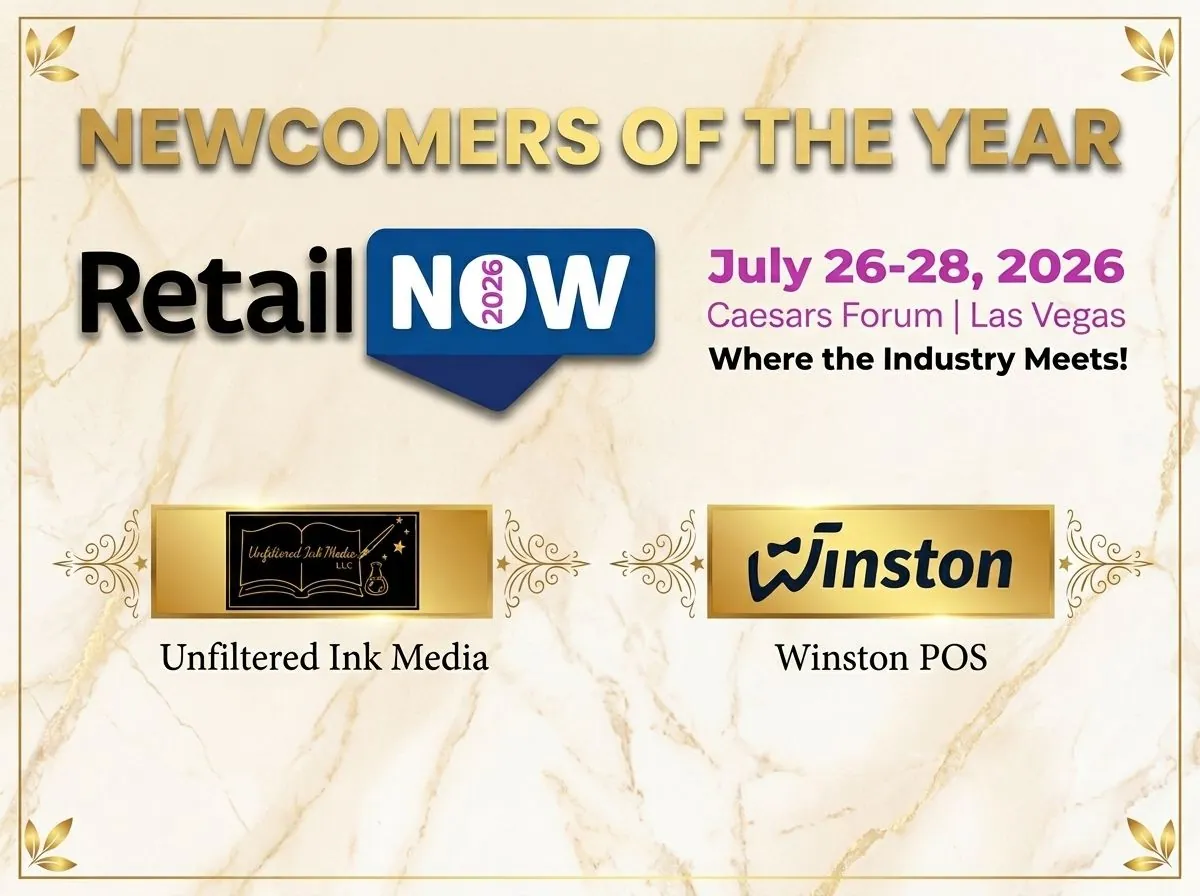
Winston launched officially in the U.S. at RetailNOW 2026. By May 2026 it was already running in more than 100 restaurants across 16 states (read the launch news). Want more reasons? See why Winston is a strong choice in the United States.
How do you switch to a new POS without disrupting service?
Plan the switch for a quiet day, move your menu and settings first, and train your team before go-live. With a dealer doing the heavy lifting, most of the work happens before your first shift on the new system.
- Check your contracts: processing, hardware leases and your current POS. Note end dates and fees.
- Choose your processor: keep your current one or compare offers.
- Check your hardware: your dealer tells you what you can keep.
- Move your menu: your Winston dealer migrates your data, and Winston AI can import a menu from photos or PDFs.
- Set up fees and tips: surcharging or dual pricing, tip prompts and tip pools.
- Train and go live: your dealer trains your team on Winston and stays on call.
Ready to talk? Get Winston and we will connect you with the nearest dealer.
Frequently asked questions
What is the best restaurant POS system in 2027?
The best restaurant POS is the one that fits how you work. In the United States, look for processor freedom, compliant surcharging or dual pricing, clear tip reporting, certified payment devices and local support. Winston POS is built around those points.
How much does a restaurant POS cost in 2027?
It depends on the software license, add-ons, hardware, card processing and setup. Processing is often the biggest cost. Winston does not publish U.S. prices; your local Winston dealer gives you a quote.
Can I keep my own payment processor with Winston POS?
Yes. Winston POS is payment processor agnostic. You keep the processor and rates that work for you, and you are never locked in.
Is credit card surcharging legal for restaurants?
In most states, yes, within card brand rules: Visa caps it at 3% or your cost, and never on debit or prepaid cards. Connecticut, Maine and Massachusetts ban credit card surcharges, and states like Colorado and New York add their own rules. Check with your processor before you start.
Does "no tax on tips" change what my POS has to do?
It makes clean tip data more important. Employees can deduct up to $25,000 of qualified tips a year for 2025 through 2028, and employers report cash tips and the occupation code on the W-2. Keep voluntary tips separate from automatic service charges, and check details with your accountant.
Can I use my existing hardware with Winston POS?
In most cases, yes. Winston runs on iOS, Android and Windows, on terminals, tablets and handhelds that meet the minimum requirements on the hardware page.
Sources
- National Restaurant Association: 2026 State of the Restaurant Industry press release (Feb 2026)
- Pew Research Center: From cash to credit (Sep 30, 2026; Atlanta Fed data)
- Visa statement on preliminary approval of MDL settlement (Jun 9, 2026)
- Payments Dive: CCCA seeks new path to passage (Mar 2026)
- Visa U.S. Merchant Surcharge Q&A (PDF)
- Visa small business: regulations and fees
- Maine Revised Statutes Title 9-A §8-509
- Arnall Golden Gregory: Colorado opens the door to surcharging
- Digital Transactions: Colorado surcharge law leaves Massachusetts and Connecticut with bans (Jul 2021)
- New York Department of State: credit card surcharge reference guide (2024)
- Nation's Restaurant News: Restaurant surcharges are officially an exception to the California junk fee law (Jul 2024)
- FTC: Rule on Unfair or Deceptive Fees to take effect May 12, 2025
- IRS: Working Families Tax Cuts, individuals and workers
- IRS: Final regulations listing tipped occupations (Apr 10, 2026)
- IRS: General Instructions for Forms W-2 and W-3 (2026)
- U.S. Department of Labor: Fact Sheet #15, Tipped Employees under the FLSA
- PCI SSC blog: Now is the time to adopt the future-dated requirements of PCI DSS v4.x (Aug 2024)
- Apple: Tap to Pay on iPhone
- Crain's New York Business: NYC to raise cap on restaurant delivery fees to settle suits (Jun 2025)